
AI Memory Management
Memory Management lets you review and maintain the persistent Markdown memos accumulated by AI Agents during penetration testing. Agents read and write memories through the MCP testnet_memory facade tool, enabling cross-session knowledge retention — target environment notes, verified findings, and follow-up attack-surface leads.
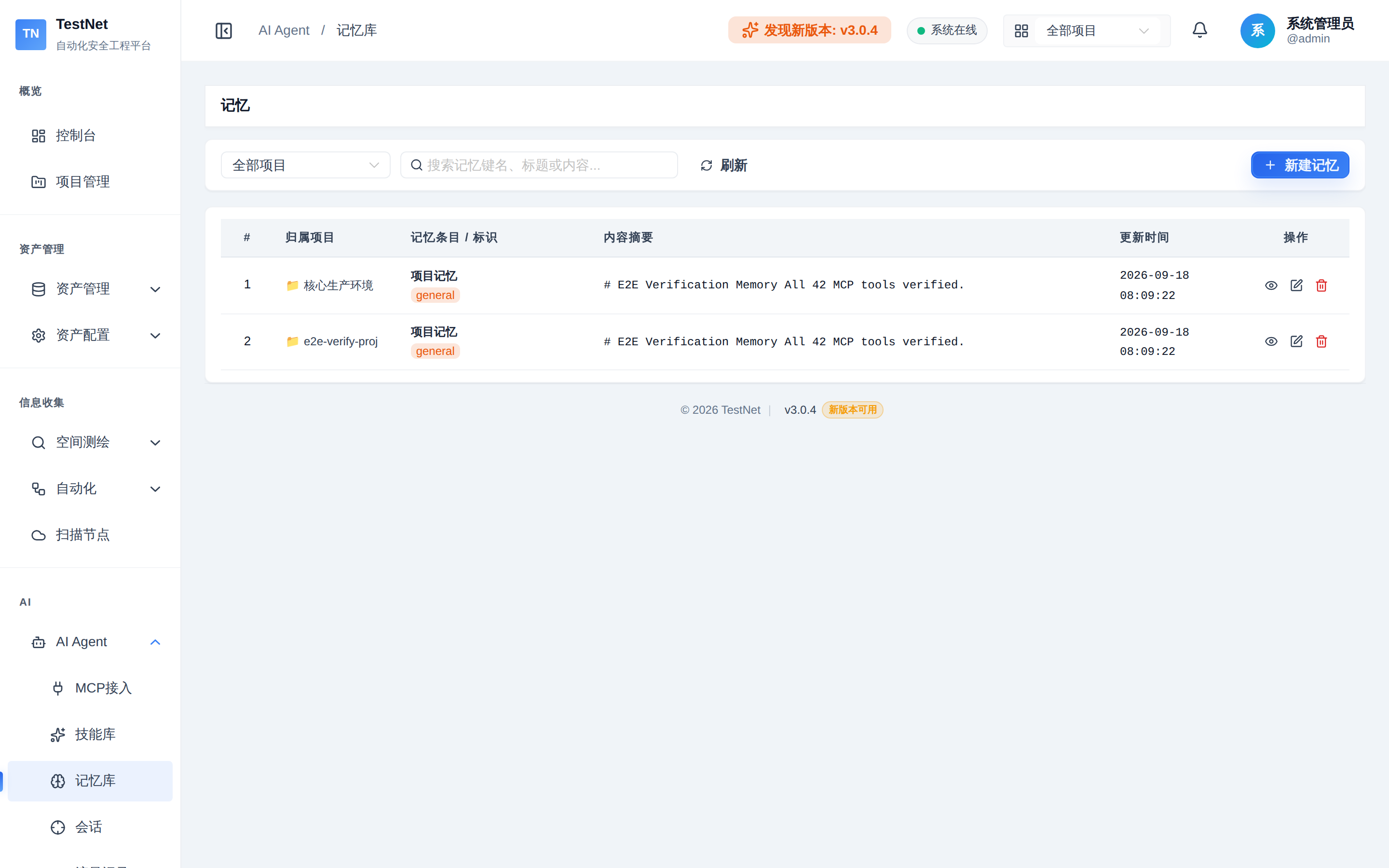
Navigate to "AI" → "Memories" in the left sidebar (requires ai:memory:view or mcp:view permission).
Memory Data Model
| Field | Description |
|---|---|
| memoryKey | Category key (e.g., general, auth, bypass, notes) |
| Title | Memory title |
| Content | Markdown body |
| Scope | Global memory (no project bound) or project-scoped memory (bound to projectId) |
Scopes & Filtering
Filter the list by All / Global / per Project at the top of the page:
- Global memories: platform-level knowledge shared across projects (e.g., generic tooling experience)
- Project memories: engagement intelligence bound to a specific project (e.g., test records for a target site)
Common Operations
Create & Edit
Click "New Memory" to fill in memoryKey, title, and Markdown content; edits are saved in OVERWRITE mode (full replacement).
Delete
Remove stale or invalid memories via the delete button (with confirmation).
Preview & Search
- Markdown-rendered preview of memory content
- A single search box covering key / title / content
- Paginated list (15 per page)
Related Documentation
- MCP Overview — the role of memory in the AI Agent workflow
- AI Skill Center — installing and distributing the platform skill library