
Roles & Permissions
TestNet uses an RBAC permission model for fine-grained access control, with business data scoped by project context.
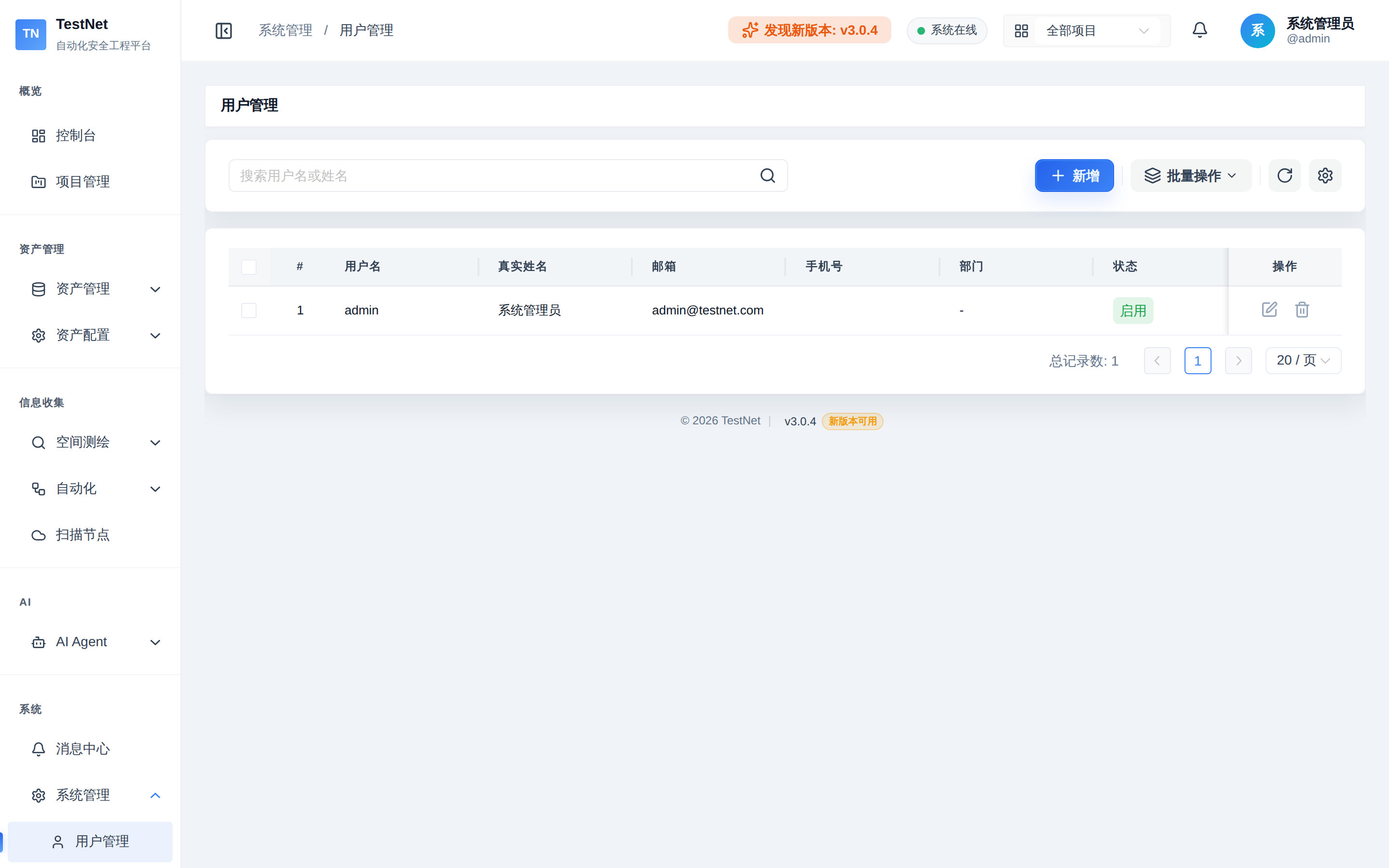
1. User Account & Session Security
Navigate to "System Management" -> "User Management" to manage accounts:
- Authentication: Login issues a 24-hour JWT token;
- Password Policy: Passwords must be at least 6 characters; longer passphrases are recommended;
- Account Disabling: Set abnormal or departed accounts to
DISABLEDto immediately revoke all access.
2. Role Configuration
Under "System Management" -> "Role Management", create roles for different teams (e.g., Security Ops, Penetration Tester, Auditor):
1. Permission Codes
The system controls operations via permission codes in the format resource:entity:action:
- View:
asset:domain:view,workflow:config:view,client:list:view - Modify:
asset:domain:edit,asset:domain:import,workflow:tool:edit - Execute & Export:
workflow:config:execute,task:list:execute,asset:domain:export
2. Menu & Button Control
Upon login, unauthorized menu items and dangerous action buttons (e.g., "Delete All Assets", "Run Command") are automatically hidden or disabled.
3. Department Tree & Project Data Isolation
1. Organizational Tree
Navigate to "System Management" -> "Department Management" to build multi-level structures (e.g., Headquarters -> Security Center -> Red Team Lab). Each department has a unique code. Department info serves as an organizational record and project annotation.
2. Project-Scoped Data Isolation
Business data isolation is scoped by project: assets, tasks, and workflow runs all belong to a project. After switching the project context in the top bar, lists and graphs only show data within the current project. All API permissions are governed by the global RBAC model; the platform does not provide department-level data access isolation.
Related Documentation
- System Overview — system management modules and default roles
- License Management — license activation and machine ID binding